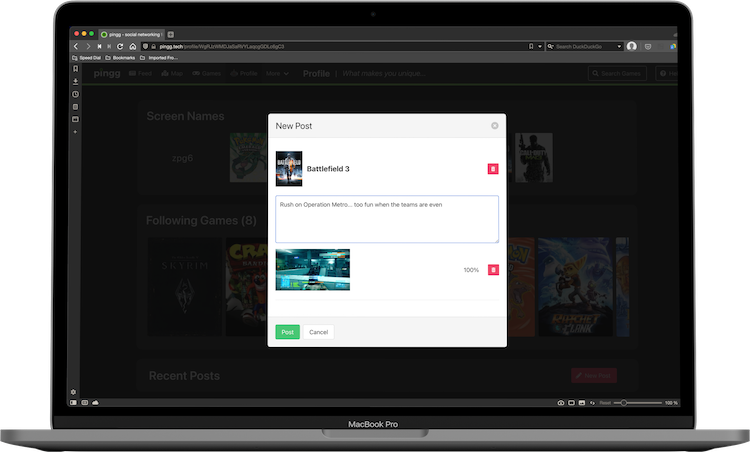
Select the game to which to post. Once you begin typing, suggestions will appear for you.
Click the 'New Post' button on the right side of the screen to create a new post. A pop-up window will appear with a field for text and a field for images.
Begin typing your post! Text must be between 10 and 120 characters.
To include an image, drag and drop an image file from your computer to the image field.
Once you have filled out the post, click the 'Post' button in the bottom right of the window to finalize the post and make it public.